The 2026 World Cup is almost here. 48 teams, 104 games, and approximately 8 billion people who think they know who's going to win.
I'm always so excited for the World Cup, and I like to think I have a great track record picking the winner (subtle brag: I've picked the last three winners). On the flip side, I've also epically lost every NCAA bracket pool I have ever been in, so I don't want to take any chances. This year, I'm planning to absolutely destroy my competition because I built Blobby's World Cup Bracket Challenge, a custom app with AI-powered dashboards on live data to help with team selections. Since I work for a data company, I'm sharing it to level the playing field and help others.
You can use the app to make your picks based on real player stats, team form, and head-to-head records instead of just vibes.
I left the vibes for myself because I vibe-coded the whole thing. Not just "help me here or there," I mean every layer of the stack. It built the data pipeline, semantic model, dashboard, and even the custom themes and embedded experience.
Here's a bit about what you can do with it and how I built it ⚽
How you can use the app to make your picks with data & AI #
The app lets you pick your bracket for the World Cup, with data at your fingertips for every step. Before your selection starts, you can look at group analysis and see how each team in a given group performed at their last World Cup. You can get an in-depth team analysis to see historical World Cup results (back to 2010), other international tournament results, and have AI summarize how teams performed.
You can also take a look at your favorite players and have Blobby, Omni's AI agent, give you an animated review of their historical World Cup performances. Some of my favorite Blobby quotes are:
Bruno Fernandes (the best footballer in the world at the moment) "He didn't win the World Cup. But my goodness... he made you believe Portugal could."
Kylian Mbappé "Two World Cups. One final heartbreak. A teenage world champion. A hat-trick in the biggest game on earth. Whatever you think of the beautiful game... Kylian Mbappé makes you feel it."
Christian Pulišić "Ladies and gentlemen, boys and girls... gather 'round. Because today we talk about Christian Pulišić — number 10 on the shirt, number 1 in our hearts."
Finally, you can use our World Cup Blobby AI agent to ask your own questions to help make your decisions on who you think will be crowned the ultimate champion.
How I built it #
Step 1: Getting the data with Claude + a football API #
Every analytics project starts the same way: finding data you don't have.
There are a variety of football APIs for sale out there, so I went with the cheapest. After I got access to the endpoints, I let my best friend, Claude, write me a script and loop through the endpoints. Claude handled the API authentication and rate limit issues we hit out of the gate. Once we got past that, I described what I needed, wrote and ran the scripts, tested them, gave feedback, and we iterated.
This initial setup took ~30 minutes, but then it took multiple hours for the script to actually run. There was a lot of data.
When it was done, I got clean, structured CSV files covering World Cup team and match data back to 2010, other international tournaments like the Euros and Copa America, and even friendly matches.
Step 2: Loading and transforming in Snowflake CoCo #
With the raw data on hand, I used Snowflake CoCo (formerly Cortex Code) to handle the load and transformation step.
Coco loaded the files to stage, created the raw tables, and ran the transformations I needed to normalize the data, create fact tables, and get the data into a shape Omni could work with.
Step 3: Building the semantic model with Omni's Modeling Agent #
This is where it got genuinely impressive. And I'm not just saying this because I work at Omni — this was my first experience using our Modeling Agent, and my mind was truly blown.
I told our Modeling Agent what the data was and what the end result would be used for with a very small prompt:
This is soccer data from the most recent World Cups, tournaments and friendlies. Please give me useful soccer statistics as dimensions and measures, each field should have clean labels, descriptions and ai_context. Please create a few curated topics for each type of tournament or friendly. The end result is I want people to be able to use this data to pick who will win the World Cup.
With that, the Modeling Agent kicked off. It went from end-to-end to set up views, joins, dimensions, measures, and Topics. It defined goals_scored, goals_conceded, goal_difference, points, and matches_played. It set up the relationships between the match fact table and the team dimension correctly on the first try.
I reviewed the output along the way, asked it to refine a couple of Topics, and merged the branch. And unlike a soccer match, it didn't even take a full 90 minutes.
Without Blobby's help, all of that work would have taken at least a couple of hours.
Step 4: Building the dashboards with Omni's Dashboard Agent + Claude for HTML #
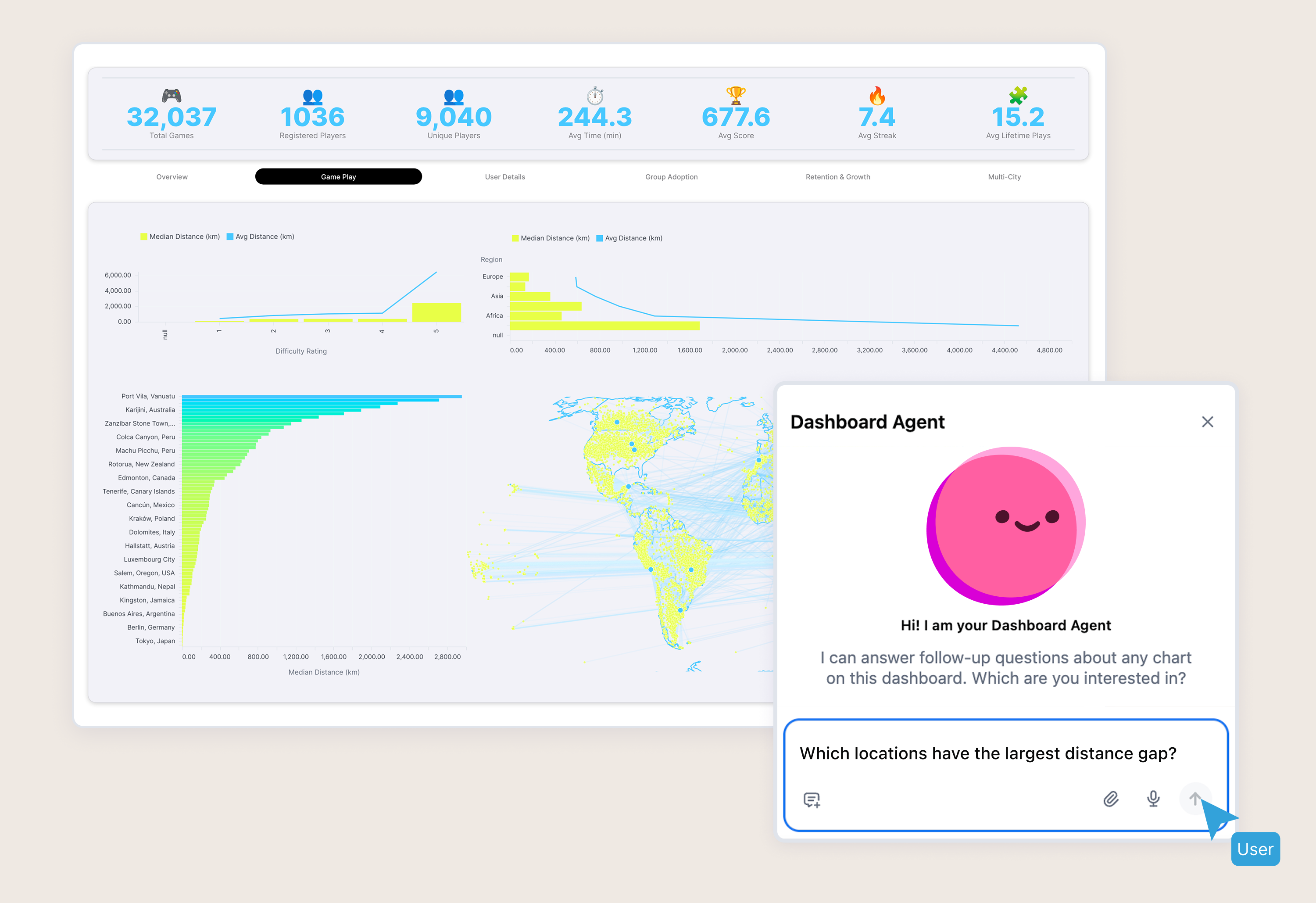
I started by just exploring the data via natural language chat with Blobby.
We've just released the functionality to build dashboards through the agent, so I figured I'd give it a shot. I described the tiles I wanted: country flag, best tournament result, in-depth players' stats table, team form over recent matches. The agent created the tiles and laid out a very decent initial dashboard. I only had to do some minor changes by hand and combined tiles into a KPI container.
From there, I used Claude to help build the custom markdown tiles and cells in the table visualization. It ended up coming up with brilliant World Cup themed headers that popped and markdown cells that made it feel more like an app rather than a data table.
Claude is good at this. Give it a design direction, and it writes a clean, styled markdown for Omni to render.
Step 5: Building the bracket app and embedding it with Claude + Omni's embed skill #
The last piece was building the app and embedding Omni.
First, I passed Omni's style guide to ground the design and had it build an app for me. This took a little bit of back and forth, but I was able to build a fully functional bracket picker for the World Cup in under an hour. The biggest challenge was working with the new 48 team format and the number of rules of how teams advance, but Claude easily synthesized this and got a working prototype for me.
Then, I used Omni's embed skill for Claude to generate the embed code for the iframe. The skill knows Omni's embedding API, SSO token format, and the available configuration options. I described what I wanted: an embedded tabbed dashboard that would have four options: Group, Team, and Player Analysis, as well as AI chat. The skill wrote the embed snippet, then I dropped it into the app and scored.
I wanted to see how much more advanced I could get with the embed skill, and to my surprise, it got real custom. I was able to hit the Omni API and pull recent form and statistics on each team, as well as build an awesome historical head to head match up finder when selecting who will win in the knock-out round.
Not to toot my own horn, but I think the end result is a better bracket app than you will find on the official World Cup website.
The full AI stack #
Here's the whole thing, from raw API data to finished app:
Step | Tool | What it did |
|---|---|---|
Data pull | Claude | Python script to hit the football API, normalize csv |
Load + transform | Snowflake CoCo | Stage files, create tables, run SQL transformations |
Semantic model | Omni Modeling Agent | Built views, joins, dimensions, measures, Topics |
Dashboards | Omni Agent | Initial tiles, queries, layout |
Custom markdown | Claude | Styled markdown tiles, custom cells |
App + Embed | Omni embed skill + Claude | App build, SSO embed snippet, custom embed functionality |
One important thing that should not be forgotten throughout this process: every layer had a human in the loop. I reviewed the model, adjusted the dashboard layout and queries, and made the final design calls (that were in line with our amazing style guides, of course). But the majority of work that would have taken weeks of evenings (if ever, if I'm really being honest) got done in a few hours across two days.
A few things that surprised me #
The Modeling Agent exceeded all expectations
This is the part that I thought would require the most back-and-forth. The match fact table has home and team IDs that both need to join to the team dimension. The agent handled the fan-out correctly without being told, and looked up each team's rankings that were missing in the data. It created query views to roll up row-level match data into a format of WWDLW. All complex modeling situations were handled with ease.
Claude's markdown output dropped straight into Omni
I expected this to be more tricky for Claude, but once it understood the mustache syntax, it got it right most of the time. I just needed to tell it the view and dimension name once, and every prompt after that resulted in clean HTML markdown with correct variable syntax for dynamic fields.
CoCo made the data engineering work too easy
I work at a data company, but to no one's surprise, I don't like doing the data engineering work. CoCo breezed through the staging of tables, all the grants, and transformations which I would have inevitably messed up multiple times if I wrote myself.
What this actually means #
It's my job to do a lot of building with our partners, and side projects like this help me understand how all of our technologies work together. Plus, they help me stay close to my hobbies while being productive, so it felt like a win-win.
This project has taught me that with AI it isn't just about moving faster, it is about attempting anything you can think of. A World Cup bracket app with embedded analytics would have been a multi-week project before, if even possible with my skill set. It's now a two-evening project.
The tools I used aren't experimental either. Omni's Modeling Agent is in production and our embed skill is open-source. Snowflake CoCo is generally available. And Claude is, well, everyone's best friend.
The possibilities exist. The question is what you build with it.
Try it yourself #
The bracket app is live at blobbyworldcup.com. I make no guarantees about the quality of your picks. But if you are up to the challenge, see if you can beat my quite possibly perfect bracket.
If you want to dig into how any of this works:
How I built an AI fantasy football app in Omni (same idea, different sport)
Questions? Find me on LinkedIn or drop a note in the Omni community.
All built with Omni, Claude, Snowflake Cortex, and a possibly irrational belief that I know more than the data.